


In order to improve the multibrand feature, we have updated the behaviour of Feedback and how this is submitted between brands in the release of Deskpro 2019.1. This change will allow you to create brand-specific settings for Feedback that will not be shared across brands and keep your Feedback requests organized.
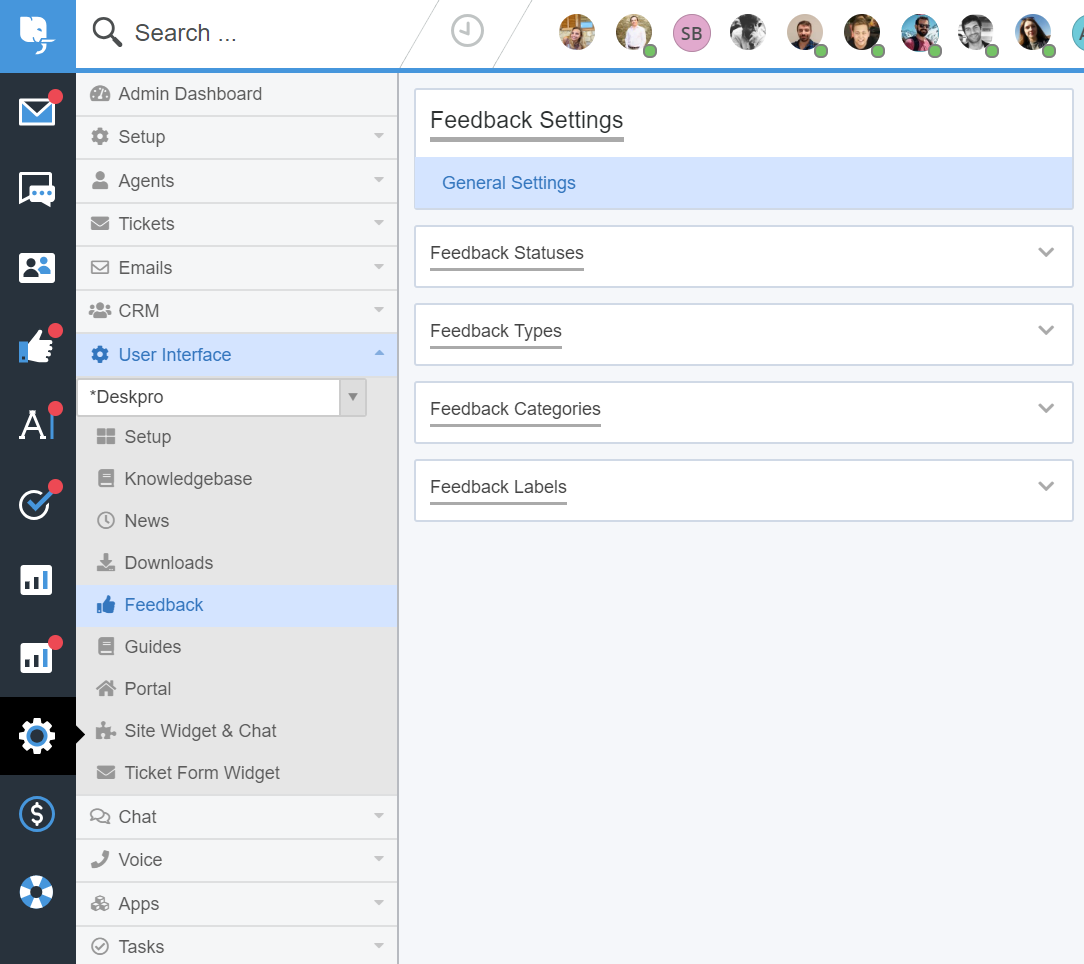
It is a very simple process to create brand-specific Feedback, and the first step is enabling the Portal and Feedback for your brand in User Interface > Brand > Setup. You can then manage the feedback in the new brand (User Interface > Brand > Feedback), and provide Status, Type, and Category options that can be selected when the Feedback is being created (please be sure to select the correct Usergroups when adding Feedback Types, to ensure the correct users can view this page).
From this point on your users will only be able to create Feedback on each brand using the Categories that you have made available on each, keeping everything organized.